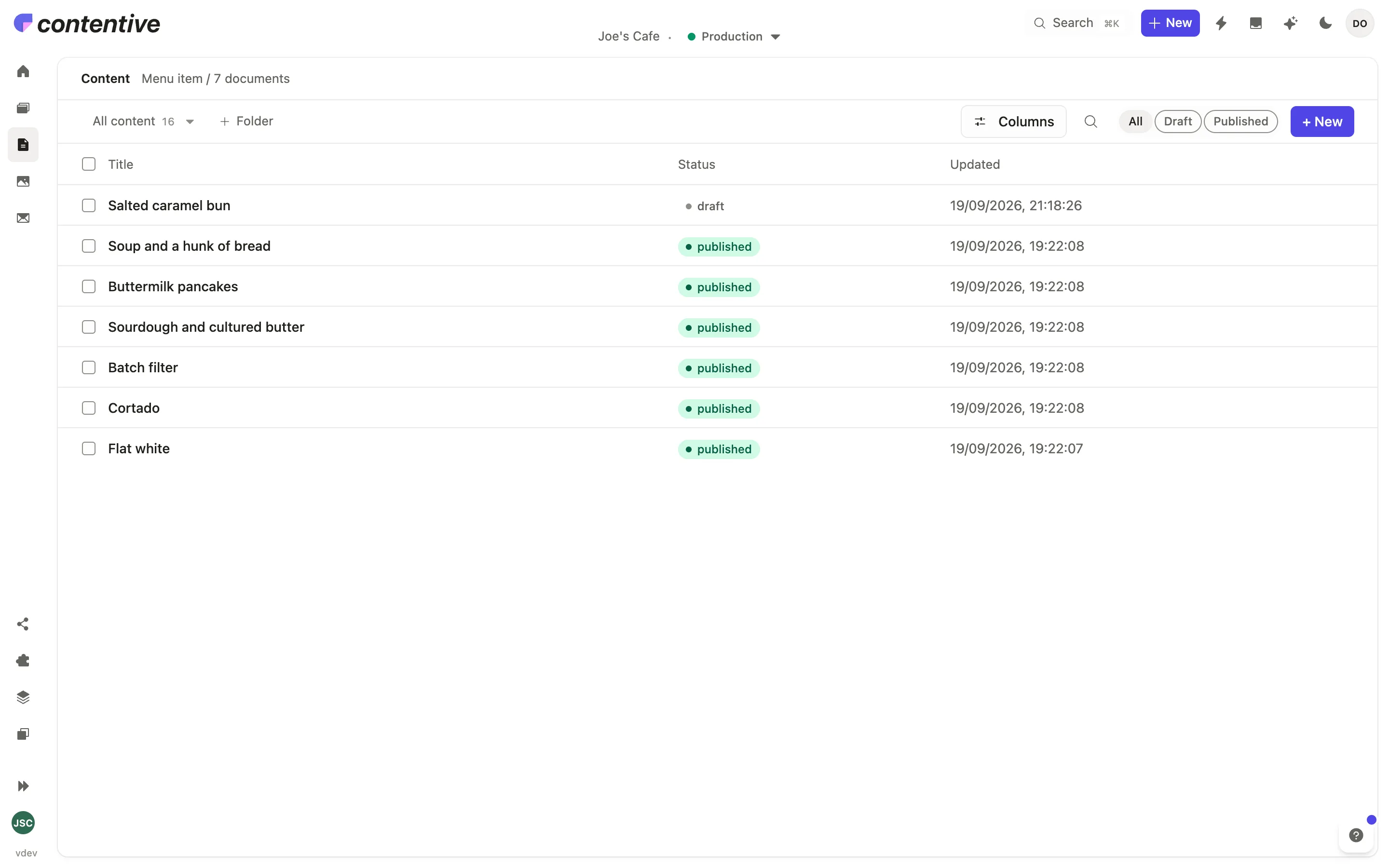
Three steps, and it’s theirs.
Model the content, let your agent build the front end, then hand it over. This is what that actually looks like, end to end.
Model. Generate. Hand over.
-
01
Model
Define the content types, fields and sections — in the Studio, or hand your schema to your agent and let it do the typing. The API exists the second you save.
schema.json { "page": { "label": "Page", "fields": [ { "name": "title", "type": "string" }, { "name": "route", "type": "slug" }, { "name": "blocks", "type": "array", "of": ["hero", "menu", "cta"] }, { "name": "author", "type": "reference", "to": "staffMember" } ] } }✓ API regenerated · 0 migrations
-
02
Generate
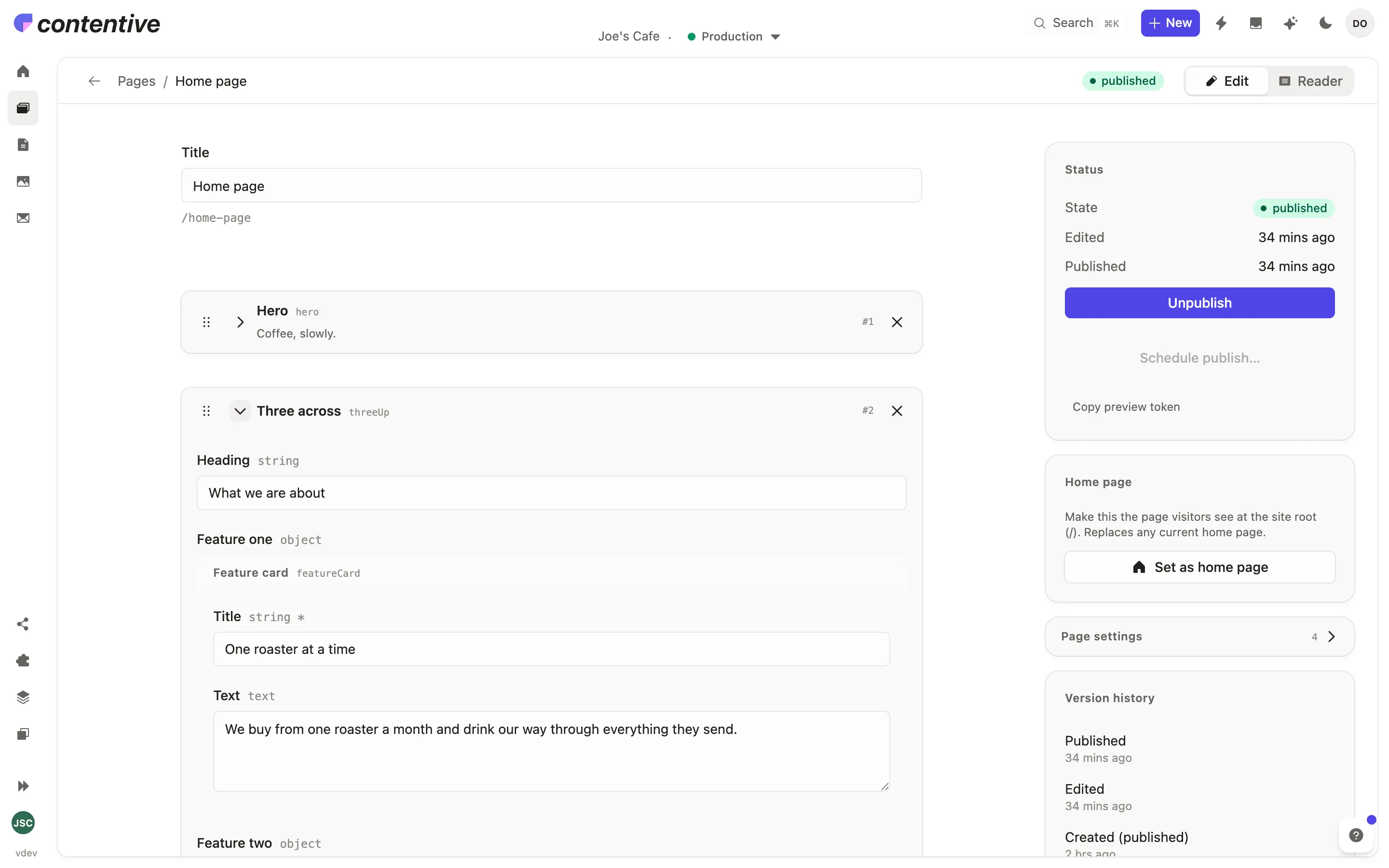
Your agent builds the pages and the front end against your uploaded design system. Real components, your tokens, your spacing rules. Not a theme you’ll spend two days fighting.
Joe’s Cafe · Studio 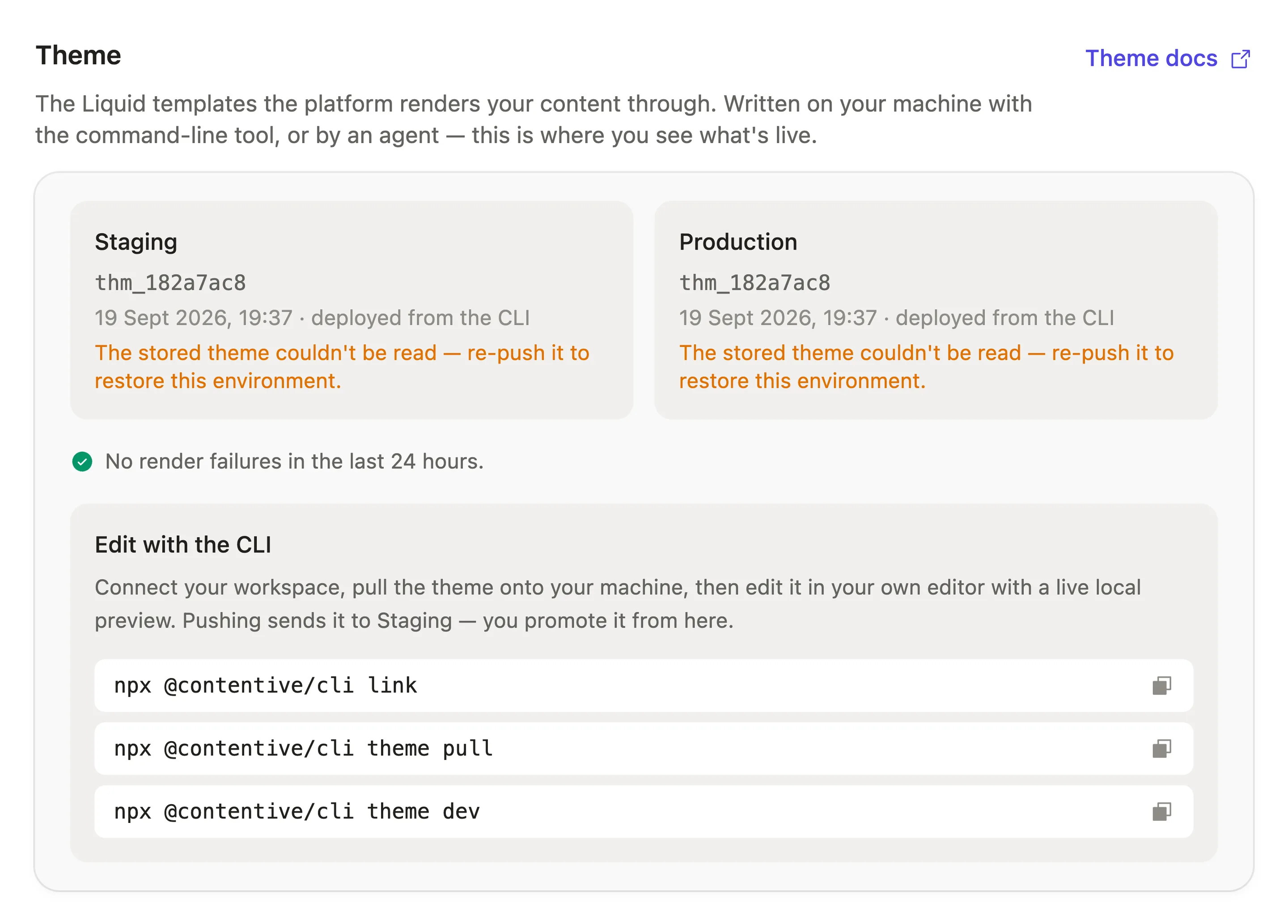
-
03
Hand over
This is the part that used to take an hour and a follow-up call. Now it takes a login. There’s nothing to teach, because there’s nothing they can get wrong — and if they do change their mind, one click puts it back.
Joe’s Cafe · Studio 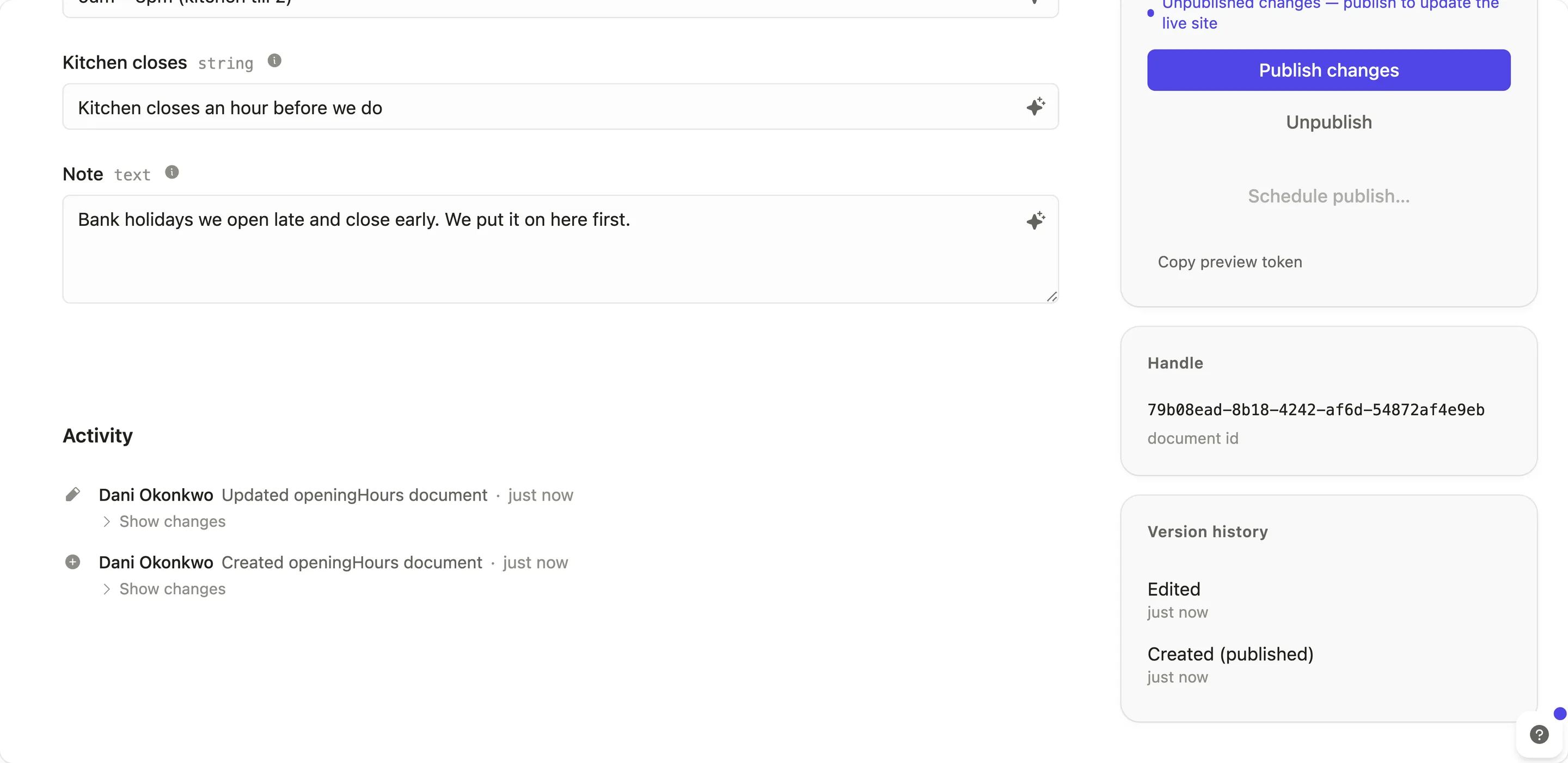
Nothing here needed you.
Bring your own agent. We don’t rent you one.
It doesn’t know your repo. Your conventions. The client’s brand guide. The Figma file. The ticket that started the job. It can’t reach any of the tools you already have connected, because it lives in someone else’s product and only speaks to that product. And every token it spends is billed to you with a margin on top.
Contentive doesn’t have a prompt box. It exposes its tools over MCP, and you point your own agent at them.
Scoped workspace token · stdio or remote OAuth · tools, not a chatbot
It already knows your business
Your agent has your context and your other connectors already wired up. It’s not meeting you for the first time in a text field.
You keep your workflow
Work where you already work. Nothing new to learn, no second place to go, no habits to rebuild around someone else’s UI.
You’re not paying a markup
You’re already paying for your agent. Use it. There’s no per-token spread on top for the privilege of typing into our box instead of yours.
An editor with exactly their content in it.
Editable
- Entries
- Pages
- Media
- Forms
- Publishing
Not exposed
- Layout
- Type scale
- Spacing
- Theme code