
Connecting a custom domain & CORS
Put the site on your own domain, and allow your front end to read the content.
To serve the site on your client’s own domain, open Settings → Domain & address and add the domain. You get two DNS records to create at whoever manages the domain’s DNS — the registrar, or a provider like Cloudflare. Add them in the order below and the switch-over is invisible to visitors.
Record 1 — the ownership record. It is a TXT record that proves the domain is yours. Add it first: the HTTPS certificate is issued while the client’s existing site carries on serving, so nothing goes dark. Leave this record in place afterwards — it is what keeps the certificate renewing. Deleting it months later is the usual cause of a sudden browser security warning.
Record 2 — the traffic record. This is the one that actually points the domain at the site, so add it once the ownership record has been confirmed. If the DNS provider will not let you put a CNAME on a bare domain (many will not), use its ALIAS or ANAME record type instead — or point only the www address here and have the registrar forward the bare domain to it.
Both addresses are connected. Adding joescafe.com also connects www.joescafe.com (and the other way round), because a site that fails on one of the two is exactly what a client notices. One of them is the address visitors end up on and the other quietly forwards to it — choose which under “Visitors end up on”, and change your mind whenever you like. Search engines then see a single address, which is what you want.
What the statuses mean. “Pending DNS” means we have not seen the ownership record yet — nothing is wrong, the record just has not reached us. “Verifying” means ownership is confirmed and the certificate is being issued. “Live” means both addresses are serving over HTTPS. DNS changes usually take a few minutes and can take a few hours; we check automatically, so you can close the tab and get an email when it goes live. “Check status” forces an immediate re-check if you are impatient. If nothing has appeared after a week we stop checking and say so — confirm the record and check again.
Removing a domain is reversible. The site falls back to its Contentive address straight away, and you can add the domain back at any time.
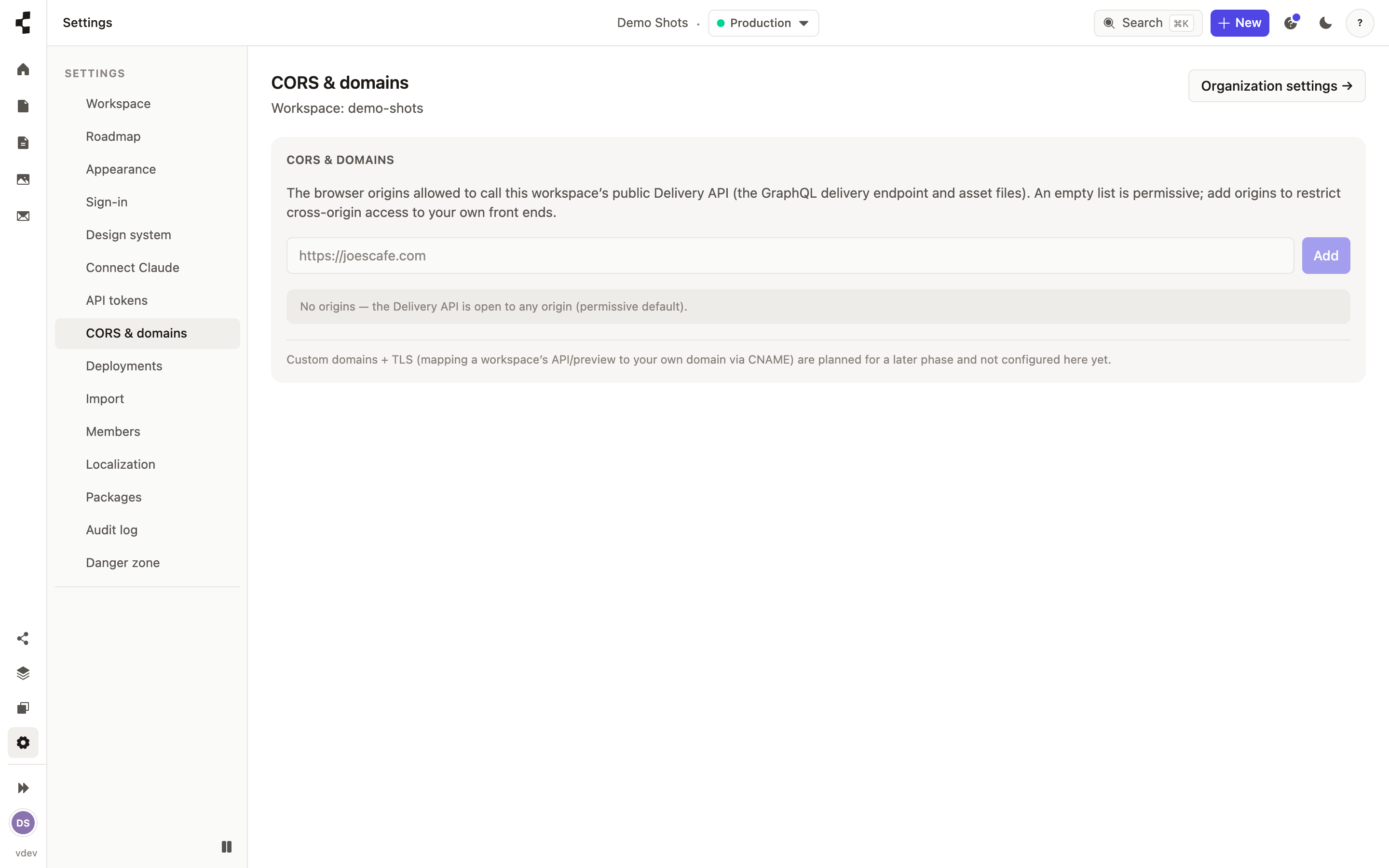
The same page holds your CORS allowlist. If a separate front end (say a Next.js site) reads your content over the API from the browser, add its web address here so those requests are allowed. Both halves of a connected domain are added for you. Server-side and published-site requests do not need this.