Collecting responses with forms
Build a contact form, drop it on a page, and read the responses in one place.
Forms capture messages from your visitors — a contact form, an enquiry, a sign-up. Open Forms, press New, and add fields just like you would on a content type: name, email, a message, a checkbox.
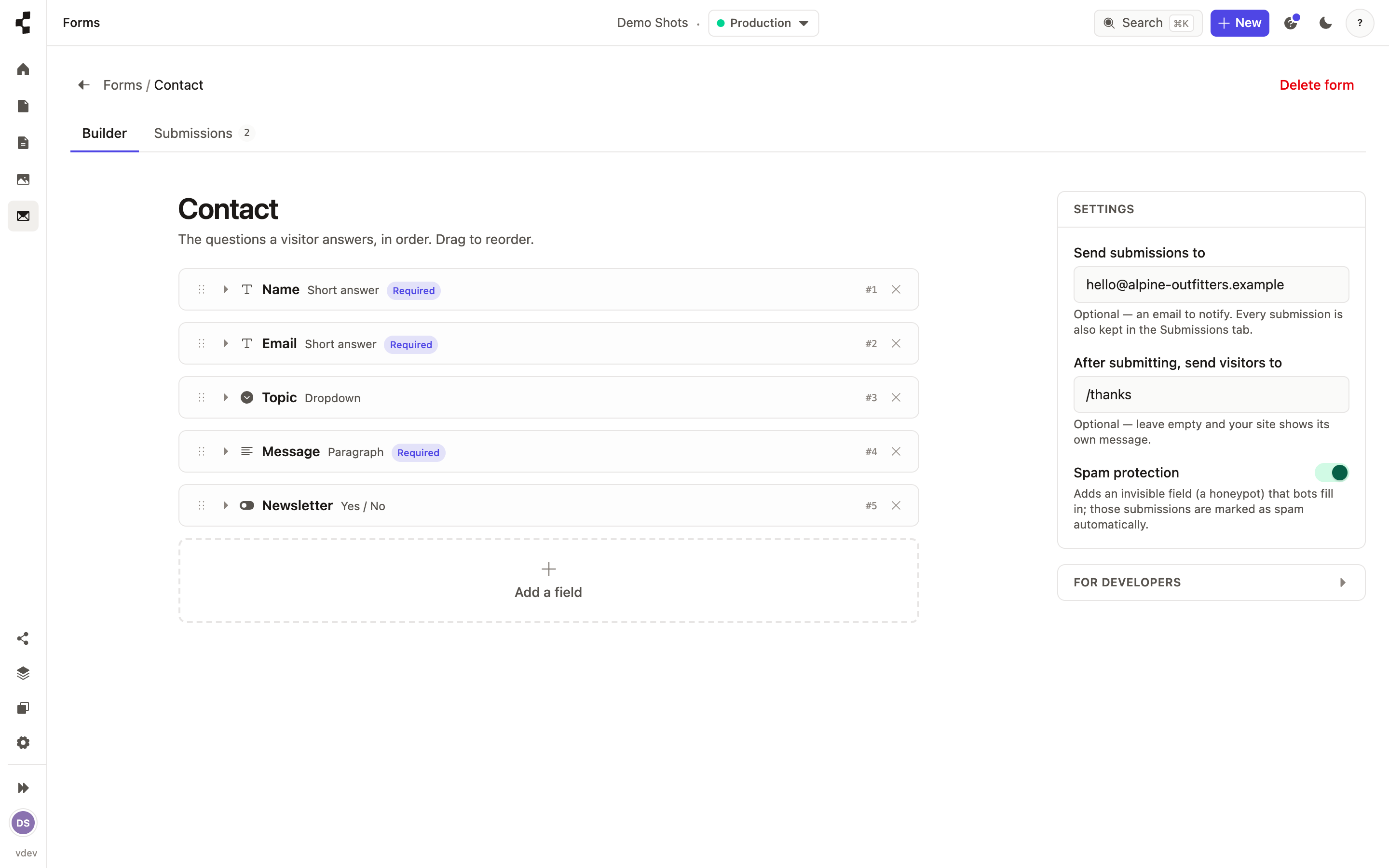
Set where notifications go and where a visitor lands after submitting, and a built-in spam trap quietly filters out bots. To show the form on the site, open the page, add a block and choose Form — then pick the form you built.
It has to be a Form block. A section made of ordinary text fields — a heading, a “Send” label, a list of budget options — only ever shows text: there is nothing for a visitor to fill in, so nothing is sent and nothing arrives in your responses inbox. If you open a page and see a notice saying a block looks like a form but cannot be submitted, replace it with a Form block.
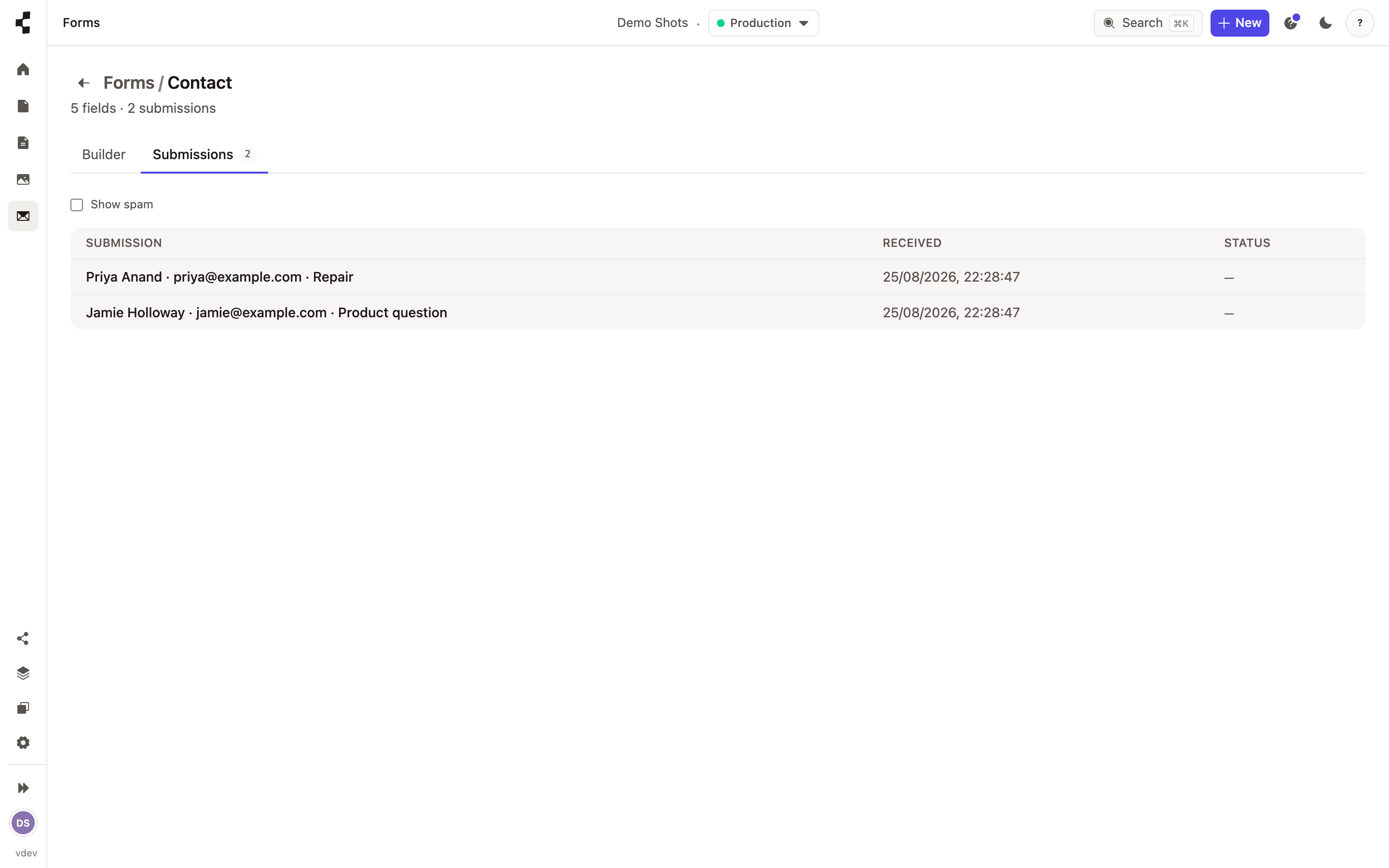
Every submission is stored and waiting for you in that form’s responses inbox. Click one to read it in a panel beside the list: new responses are marked with a dot, and the arrows (or the j and k keys) step to the next one without closing anything. Mark a response as spam, rescue one the spam trap caught by turning on Show spam, or delete it. Press Export CSV to download every response as a spreadsheet, and set an email address so you are notified as they arrive.