
Generating content with AI
Draft a single field or a whole entry with a click — then keep, tweak or revert.
You do not have to face a blank field. A sparkle button on any text field drafts a suggestion from a short description, and the rich-text editor has a prompt bar where you can ask for changes — "make this shorter", "warmer tone".
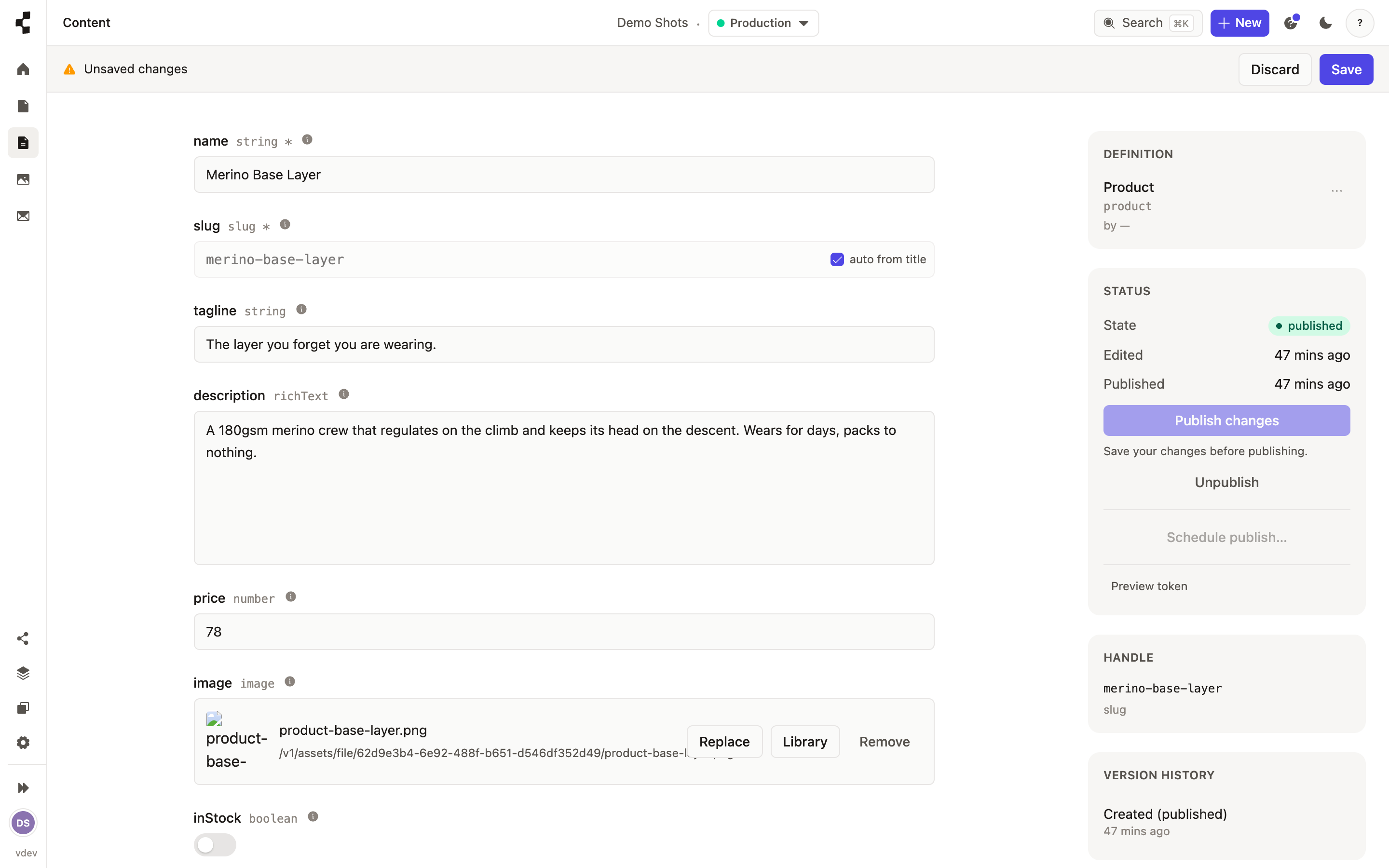
To start a whole entry, choose "Generate with AI" from the New menu and describe it in a line — the fields come back pre-filled. Anything the AI writes is marked as an unsaved AI draft until you save or discard it, and you can step back to the original at any time. Nothing is published; that is always your click.
Each generation uses one of your daily AI credits, so there is a gentle cap. Run out and you will see a friendly note rather than an error.