
← All help articles
Deployments & promotion
How do I roll back a deployment?
Every deployment is kept — return to a previous one in a couple of presses.
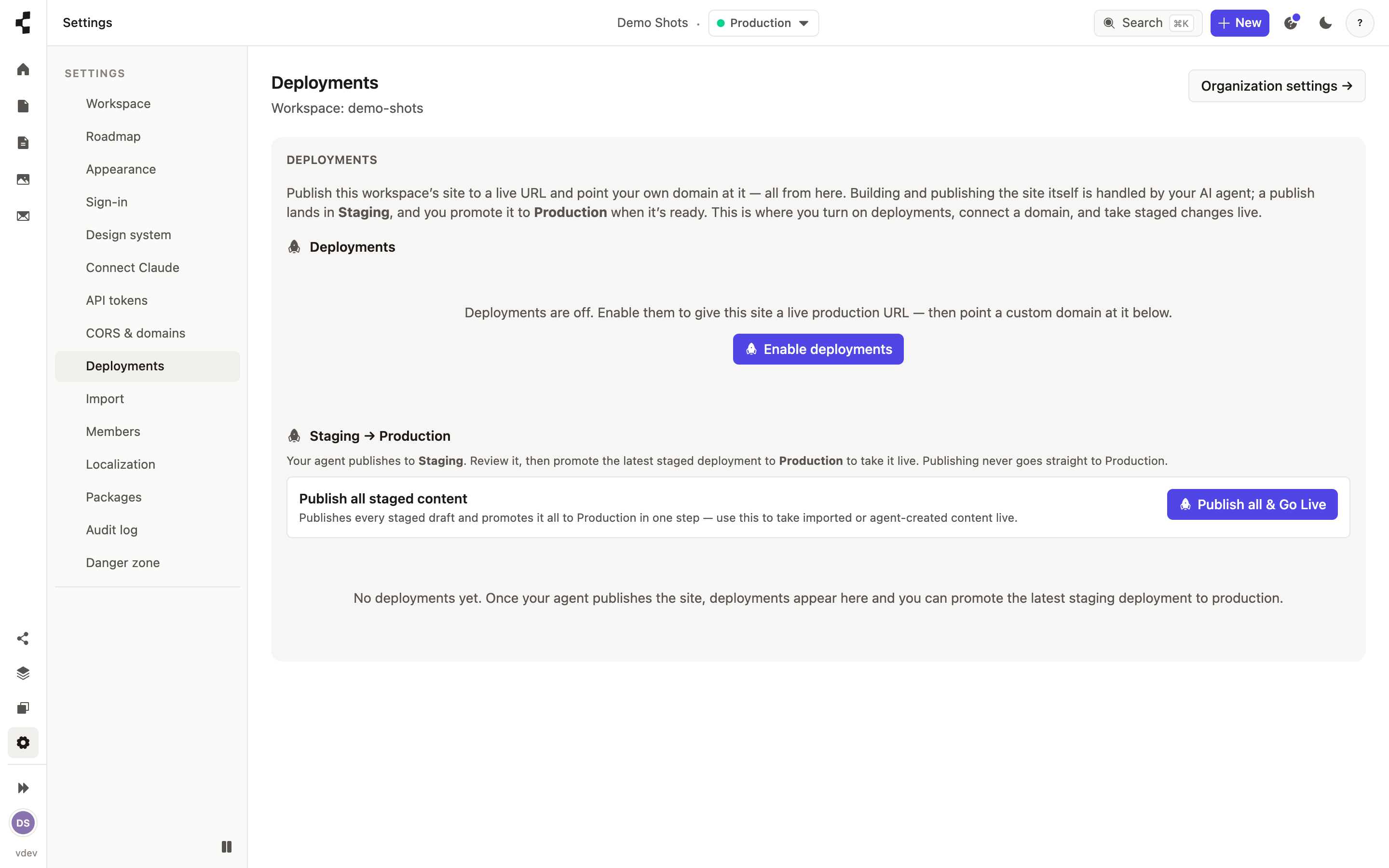
Open Deployments to see the full history for the workspace: what was deployed, when, by whom, and whether it came from the Studio or the AI agent. Compare two deployments to see what actually changed.
To undo, choose the deployment you want to return to and press Roll back. The site returns to exactly that state; the rollback is itself recorded, so nothing disappears from the history.