
← All help articles
Creating & editing content
How do I undo a change?
Every save is kept. Open the history and restore any earlier version.
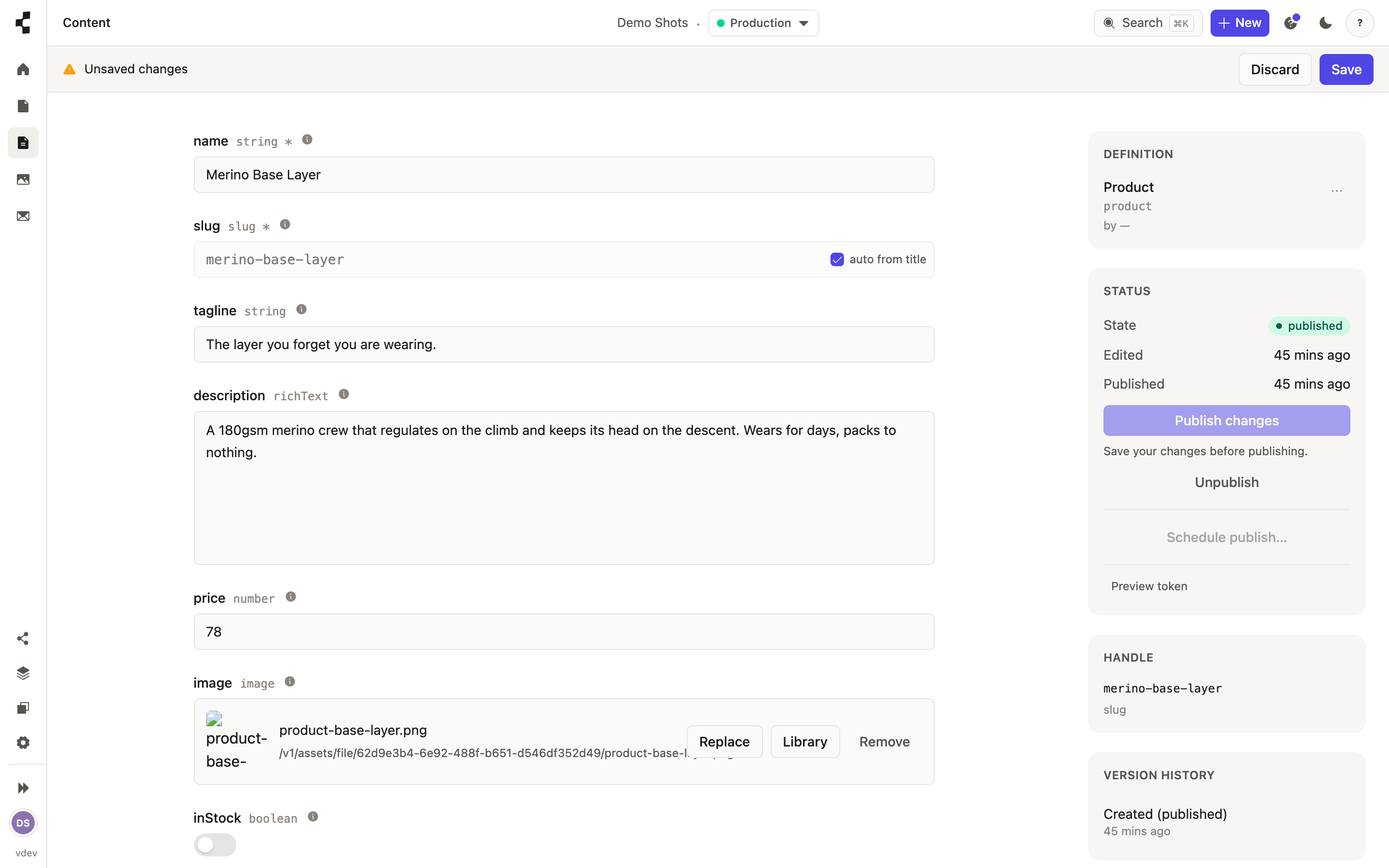
Every entry keeps a full history. Open it and look at the Activity timeline: who changed what and when, with any edit expandable to show exactly which fields changed.
To go back, pick the version you want and press Restore — it becomes your current draft, so you can look it over before publishing. Restoring never publishes anything by itself.