
← All help articles
Account & workspace
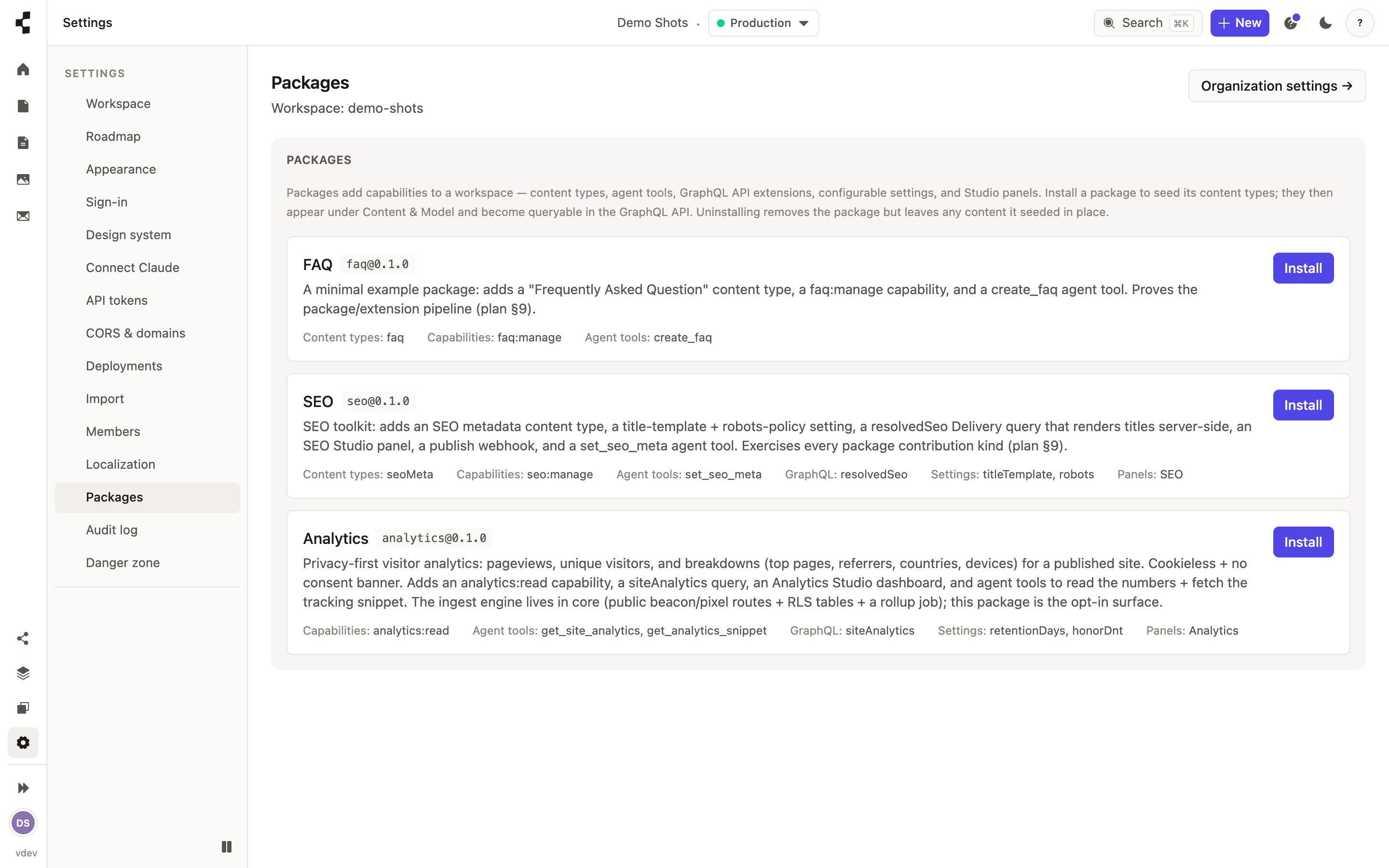
Installing apps
Add extra capabilities — like analytics or commerce — only where a site needs them.
The core Studio stays lean, and heavier capabilities come as apps you switch on per workspace — visitor analytics, and commerce for sites that sell. Open Settings → Apps to see what is available and install one.
An app can add content types, new Studio screens and its own settings, and can give a connected AI agent extra abilities. Install only what a client site actually needs; you can remove an app later.