
← All help articles
Account & workspace
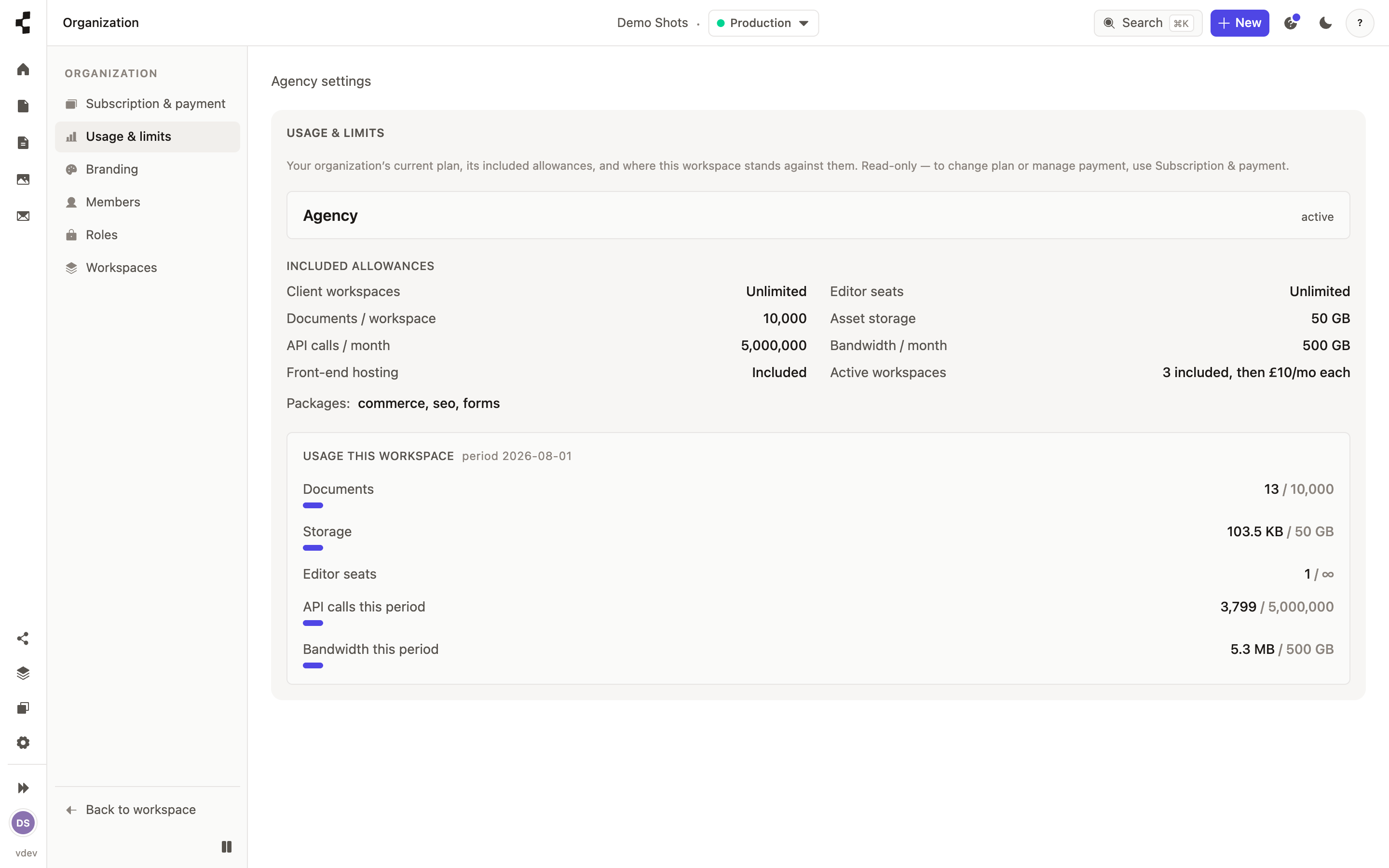
Where do I see my plan and usage?
Settings → Billing shows your plan, what you have used and every invoice.
Open Settings → Billing. You will see your current plan, how many workspaces and seats you are using against what your plan includes, and your invoices.
You are charged for workspaces and seats — not for how much traffic a client site gets. Usage allowances are headroom rather than a meter, and we warn you as you approach one, so there is no surprise bill. Change plan or update your card from the same page.