
← All help articles
Getting started
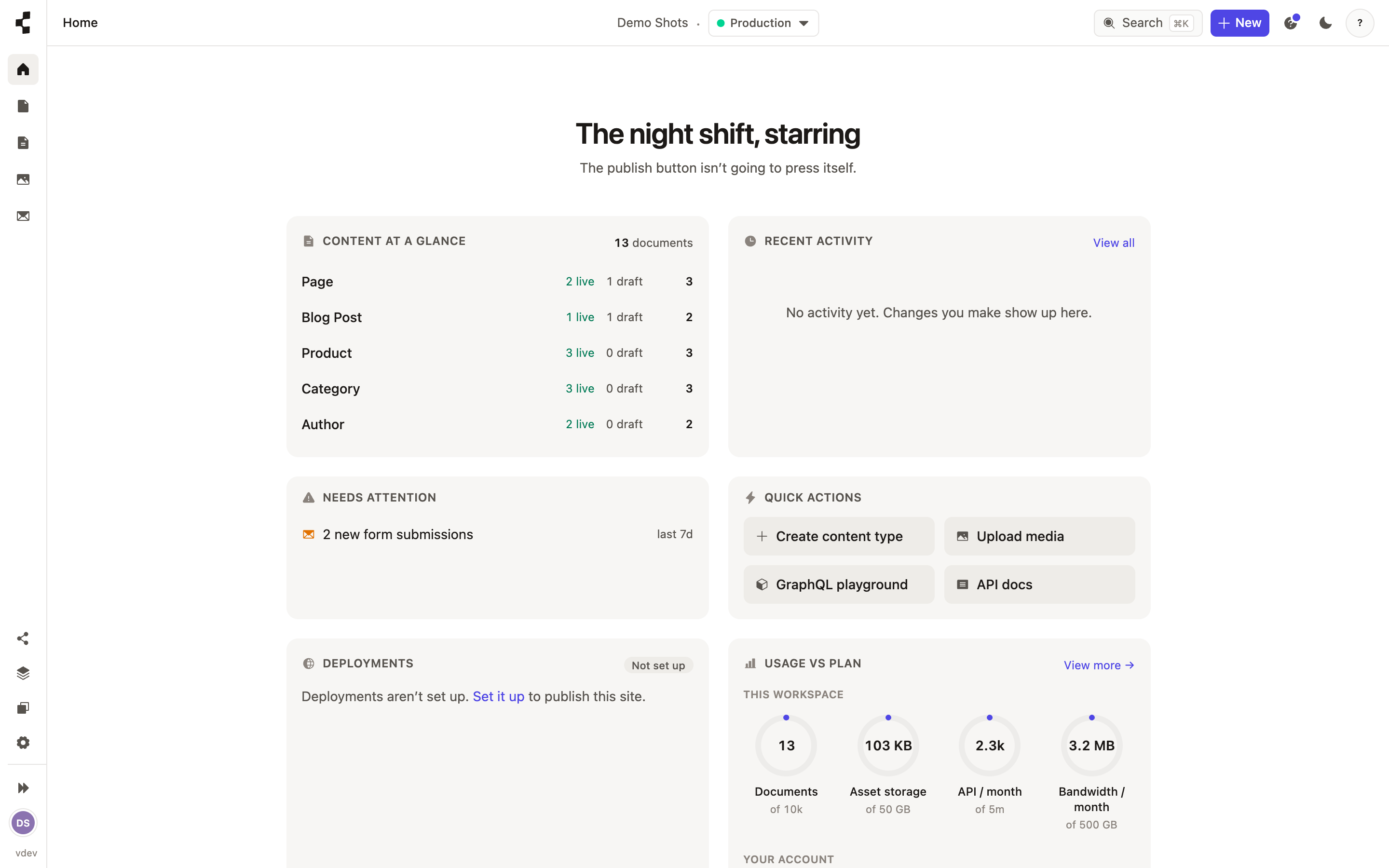
A tour of the Studio
A quick map of the sidebar so you always know where things live.
Everything in the Studio hangs off the sidebar on the left. From top to bottom you will find the areas you work in every day.
Content — your entries, grouped by content type.
Pages — the pages of the site, each built from blocks.
Media — every image and file you have uploaded.
Model — the structure: content types, fields and stacks (developer work).
Forms — contact and capture forms, and the responses they collect.
Settings — team, deployments, API tokens, apps and more.
The top bar carries universal search and a "New +" button for creating anything from anywhere. Not everyone sees every area — what you can open depends on your role. See Who is allowed to do what?.