
← All help articles
Account & workspace
Creating a custom role
Build a role that grants exactly the permissions a person needs — nothing more.
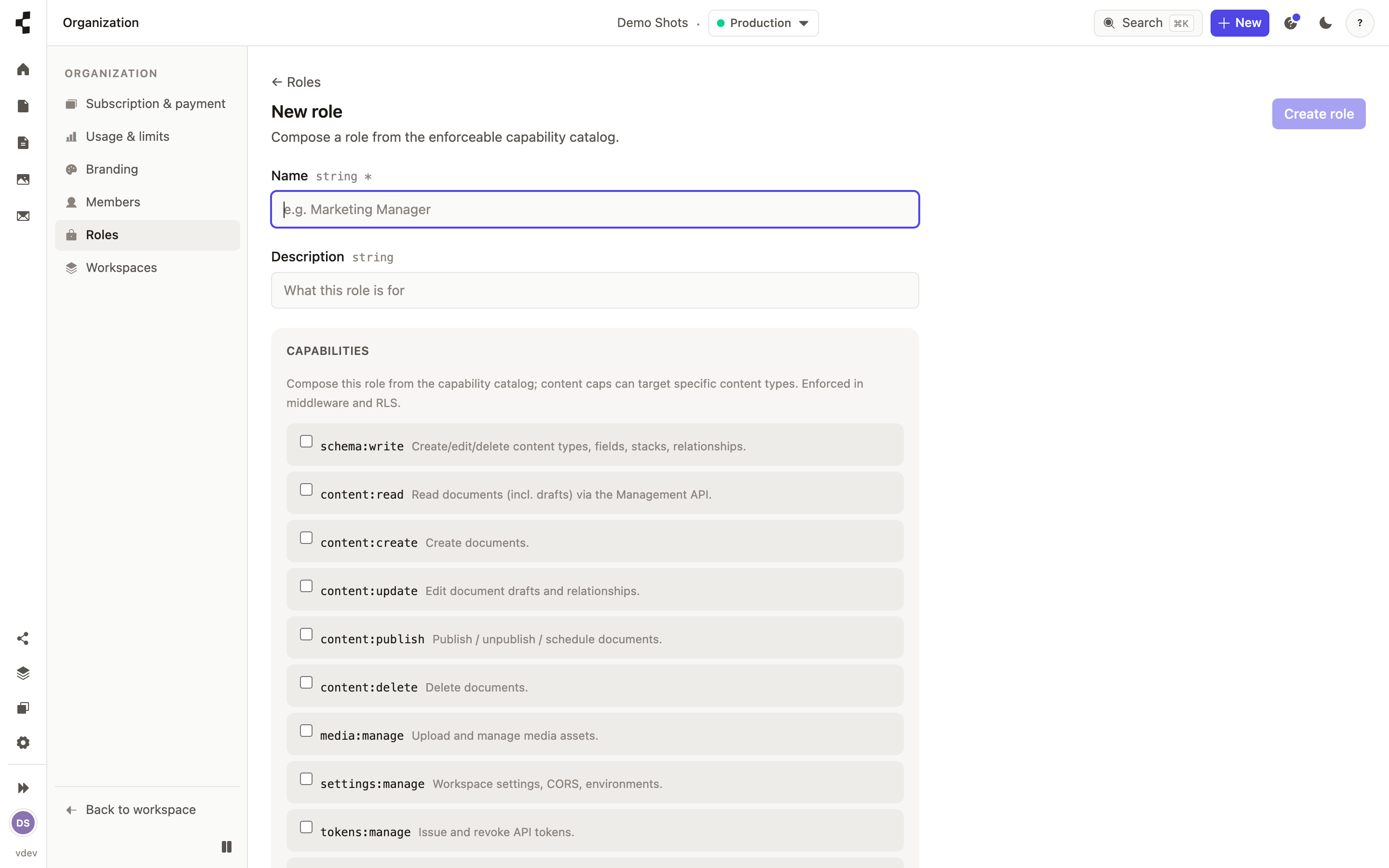
The built-in roles cover most people, but you can build your own — "Marketing manager", "Translator", "SEO specialist". Open Settings → Team → Roles and either clone a built-in role to tweak it, or start a new one.
A role is a name plus a set of permissions, chosen from a grid: what the person can do, down to individual content types — publish blog posts but not products, say. Define a role once at your agency and reuse it across every client workspace.
Not sure where roles sit? Start with Who is allowed to do what?.