
← All help articles
Creating & editing content
How do I add my first entry?
Pick a content type, fill in the form, save as a draft.
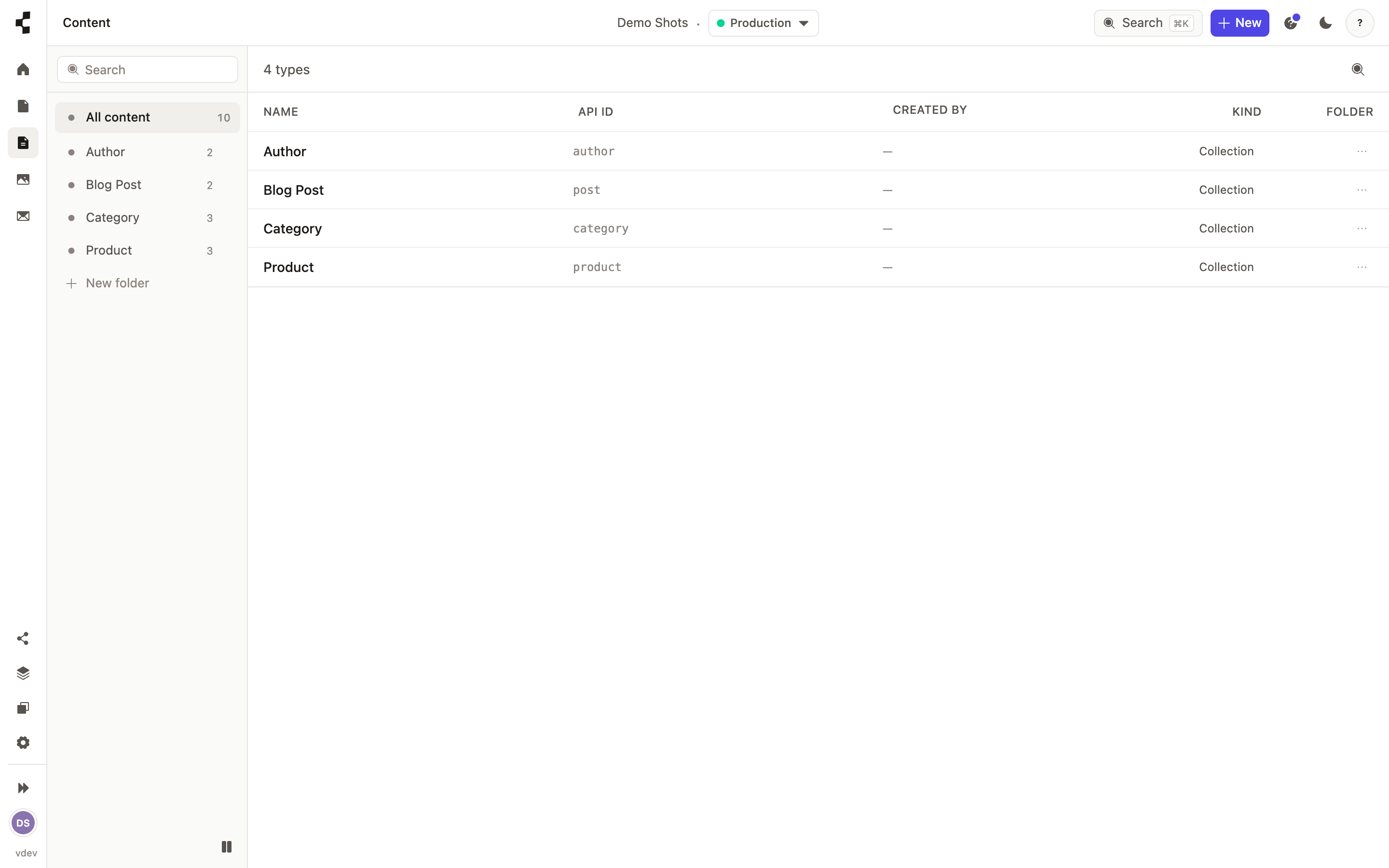
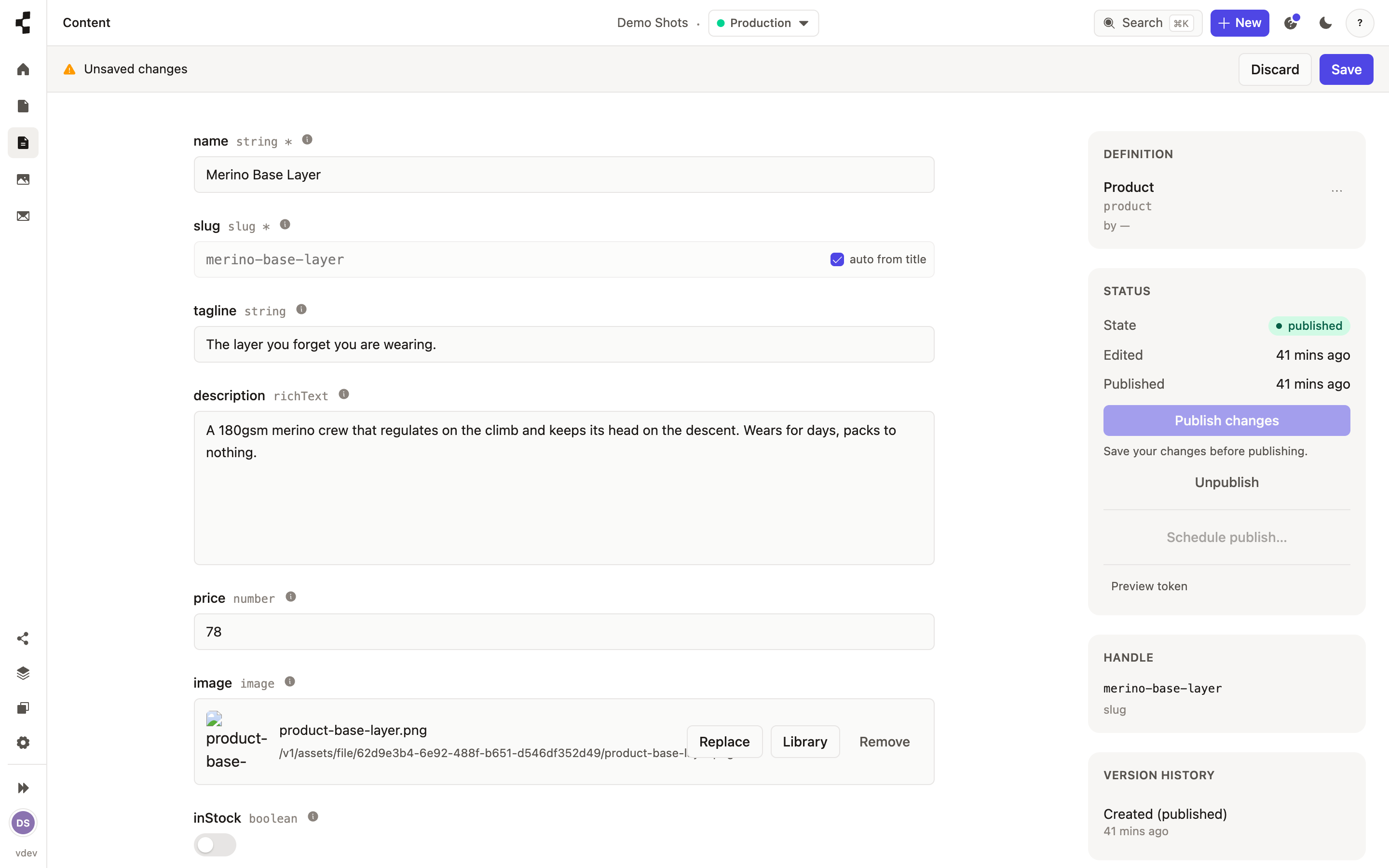
Open Content, choose the type you want to add to, and press New. The form you see is generated from that type's fields, so it always matches your model.
Everything starts as a draft — only you and your team can see it. Save as often as you like; if you try to leave with unsaved changes the Studio asks first. When it is ready, publish it: How do I publish a page?.