
← All help articles
Creating & editing content
How do I build a page out of blocks?
Add, reorder and remove blocks on a page — no code, no redeploy.
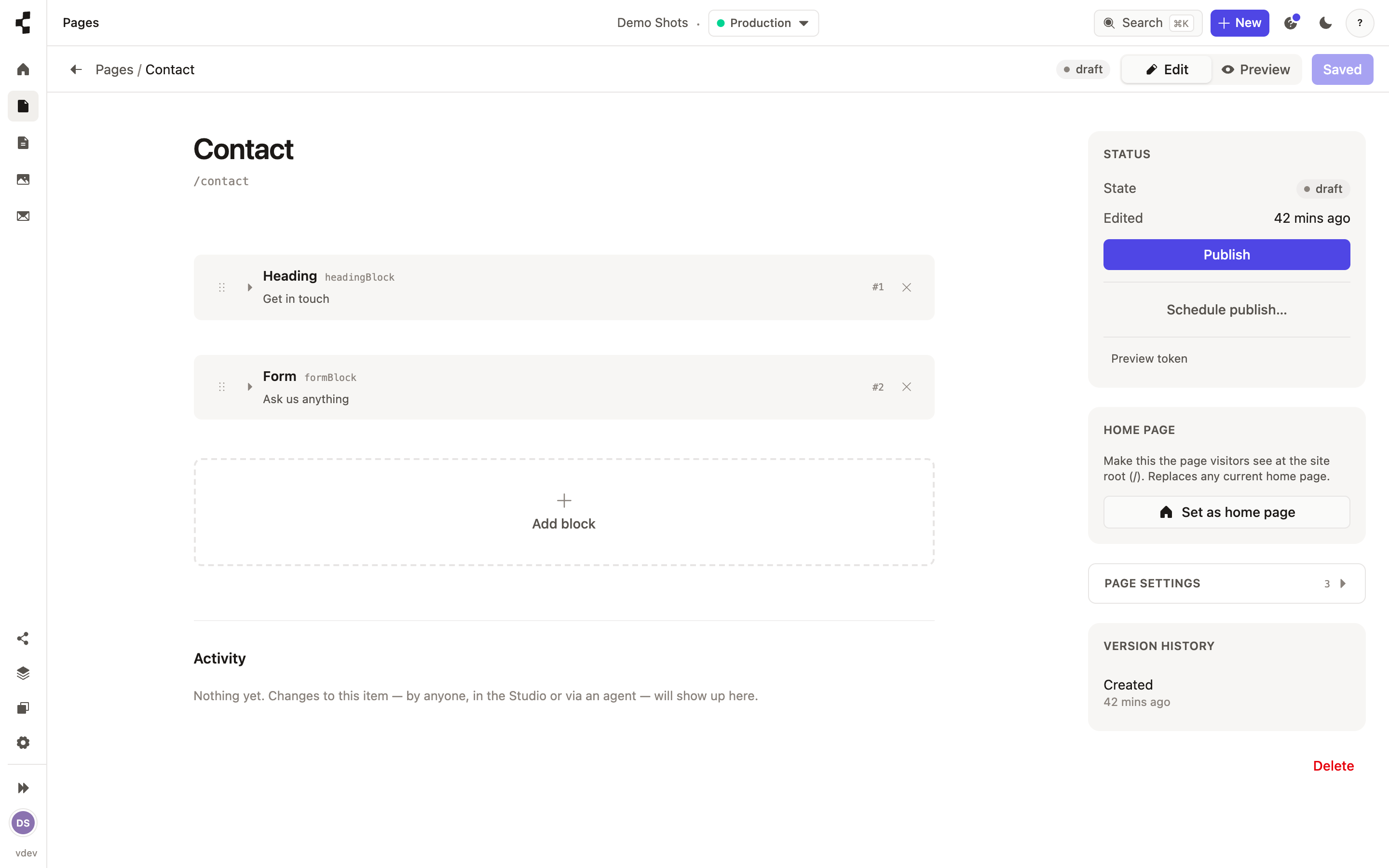
Open a page and you will see its blocks listed in the order they appear on the site. Press Add block to insert one, drag the handle to reorder, and use the block's menu to remove it. Each block has its own small form — the fields whoever designed that block chose.
Two kinds of block: a one-off, which belongs to this page only, and a shared one used on several pages — edit a shared block once and every page using it updates. New kinds of block come from your developer or agent: What is a stack?.