
← All help articles
AI & MCP
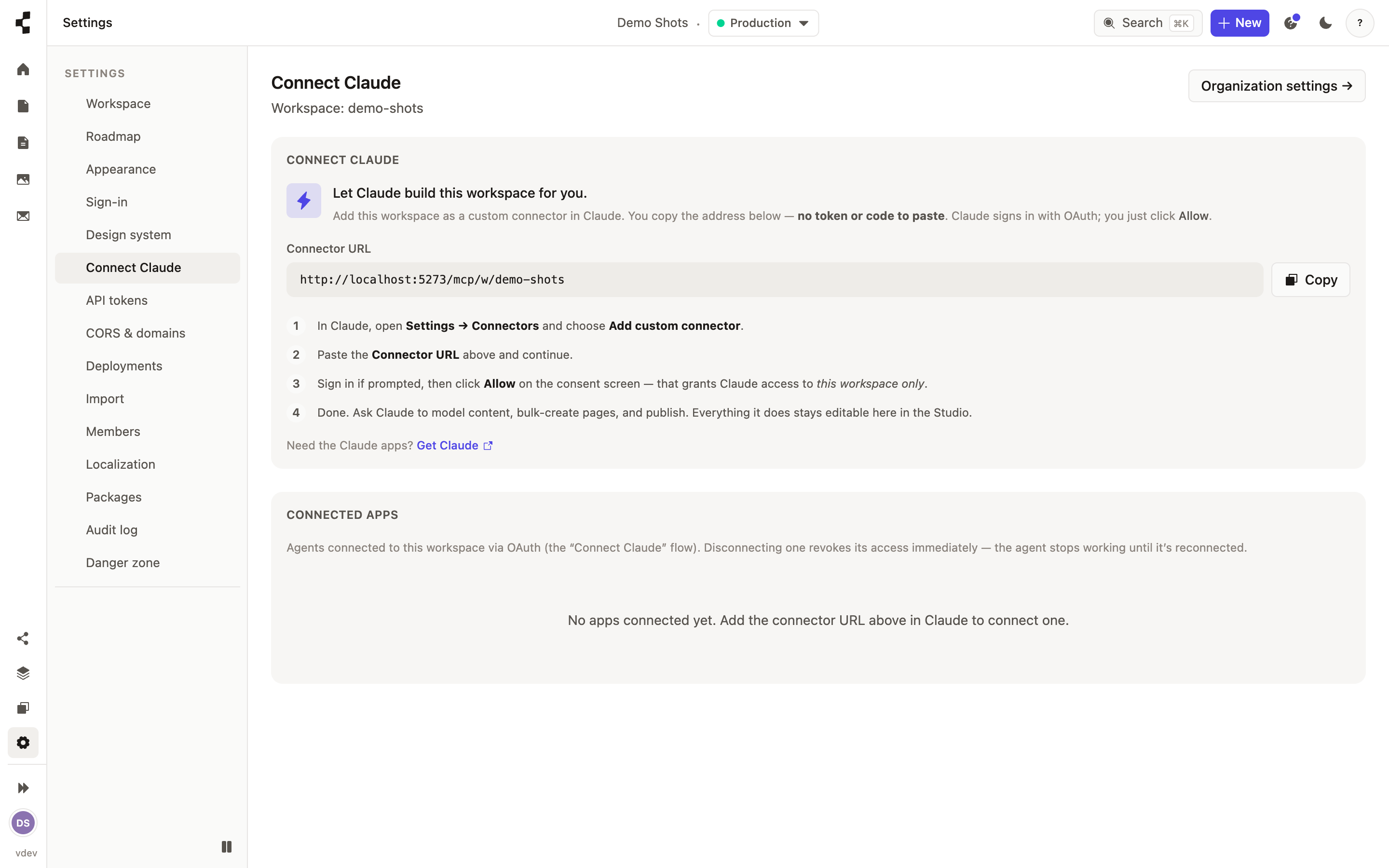
How do I connect Claude to my workspace?
Connect your own AI agent once, then build by chatting to it.
Contentive works with your own AI assistant — Claude, Cursor, or anything else that speaks MCP. Open Settings → Connect Claude, follow the connect steps, and approve the connection in your assistant. You are only granting access to the workspaces you choose.
After that you can just ask: "add a menu page with our four set menus", "swap the banner on the homepage". Everything the agent does appears in the Studio and stays editable by hand.
Worth reading next: What can the AI do — and what can't it? and How do I upload my design system?.