
← All help articles
Importing
How do I import my WordPress site?
Point us at the site (or upload an export) and review the result on staging.
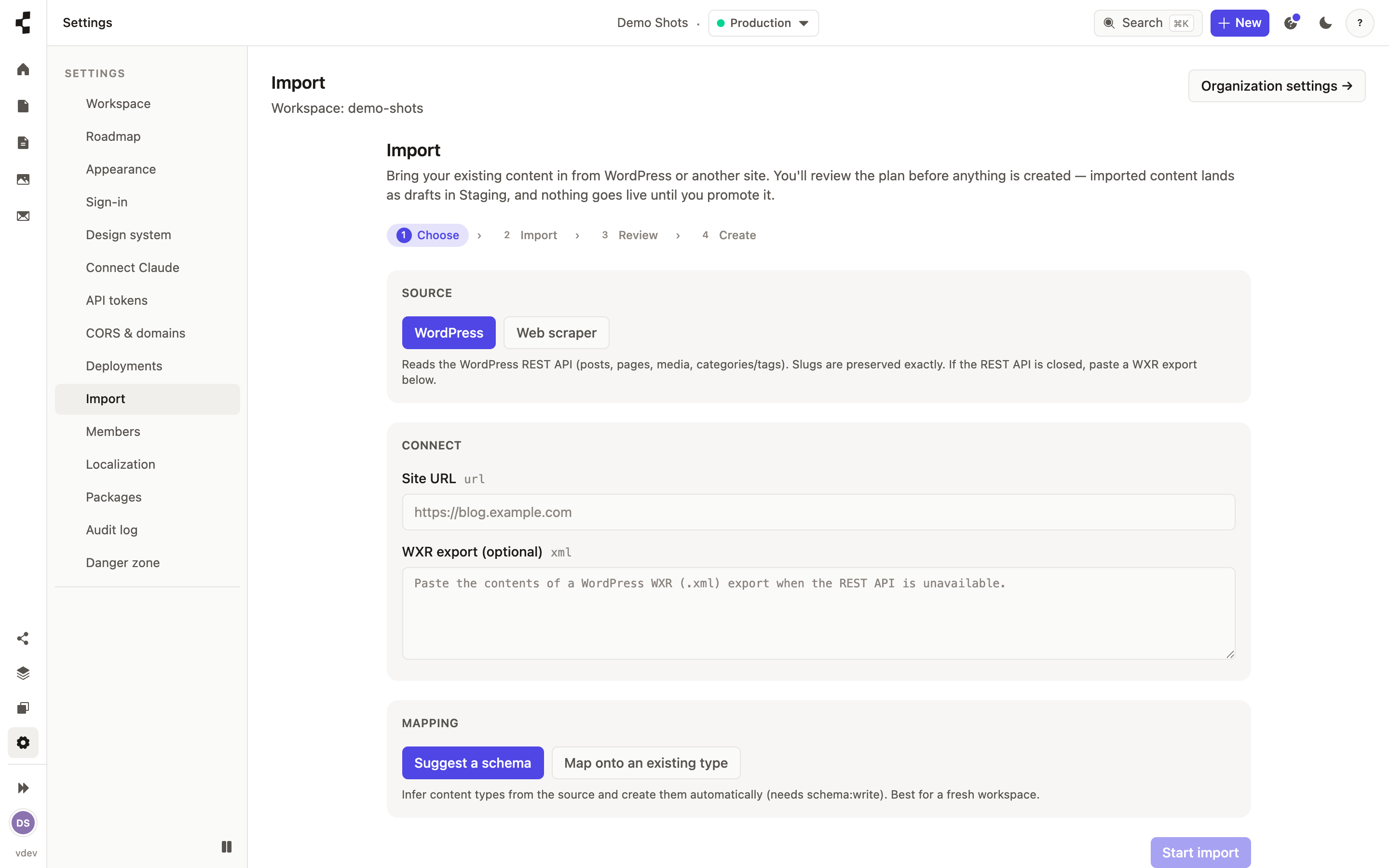
Open Settings → Import and choose WordPress. Give us the site address, or upload a WordPress export file if the site is private. We read your posts, pages, images, categories and tags.
You then choose how it maps: onto content types you already have, or let us suggest a set from what we found. Images are re-hosted into your Media library and the links inside your content are rewritten to match. Web addresses are preserved exactly, so search rankings are not disturbed.
Everything lands on Staging for you to check first — nothing goes live until you promote it. Not a WordPress site? See Importing any site with the scraper.