
← All help articles
Getting started
How do I invite someone to a workspace?
Send an invitation from Settings and choose what the person is allowed to do.
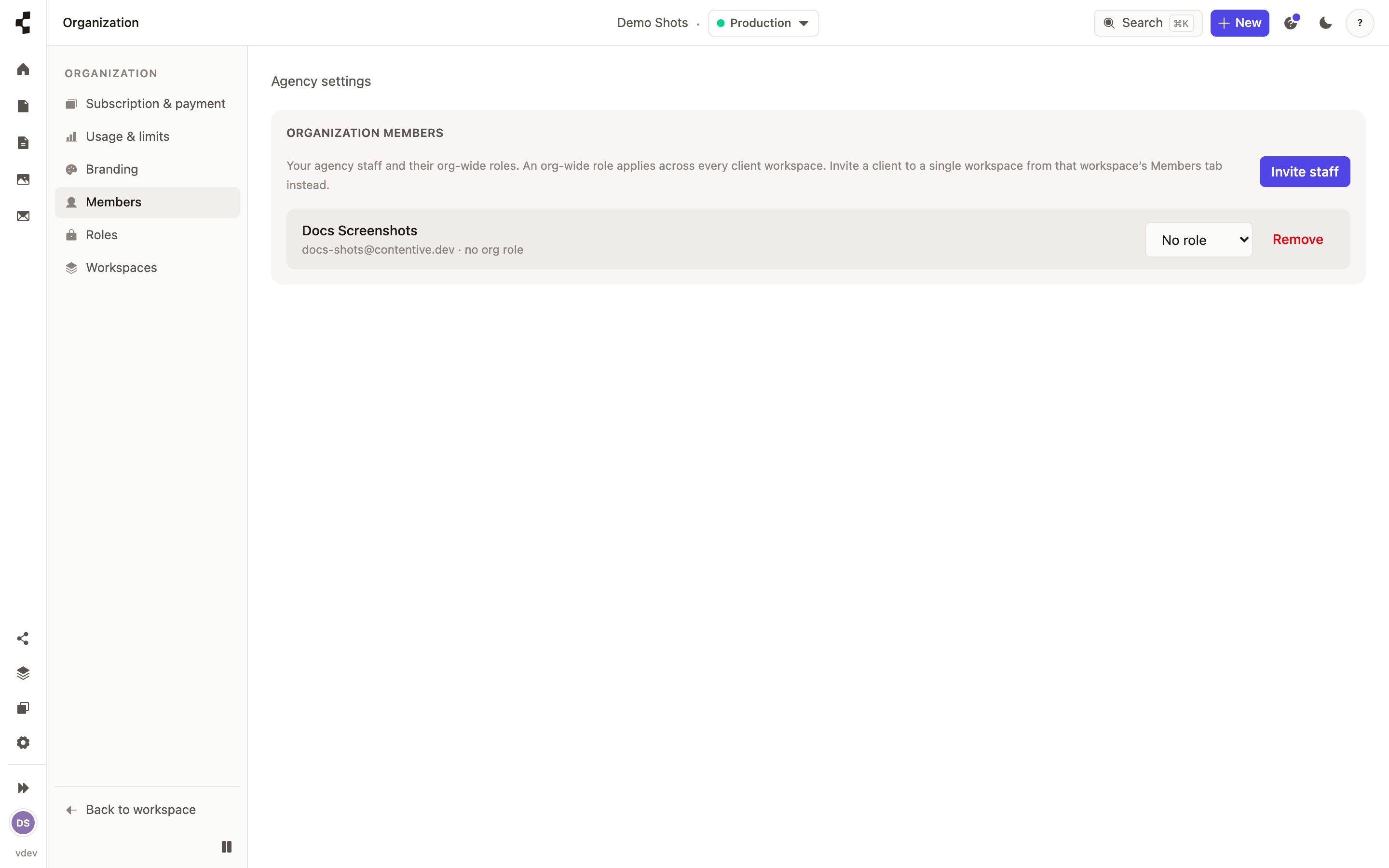
Open Settings → Team, press Invite teammate, enter the person's email address and pick a role. They get an email with a link; accepting it adds them with exactly the role you chose.
Invite a client to their own workspace, and your own staff at the organization level so they can reach every client workspace you own. Not sure which role to pick? See Who is allowed to do what?.