
← All help articles
Creating & editing content
How do I publish a page?
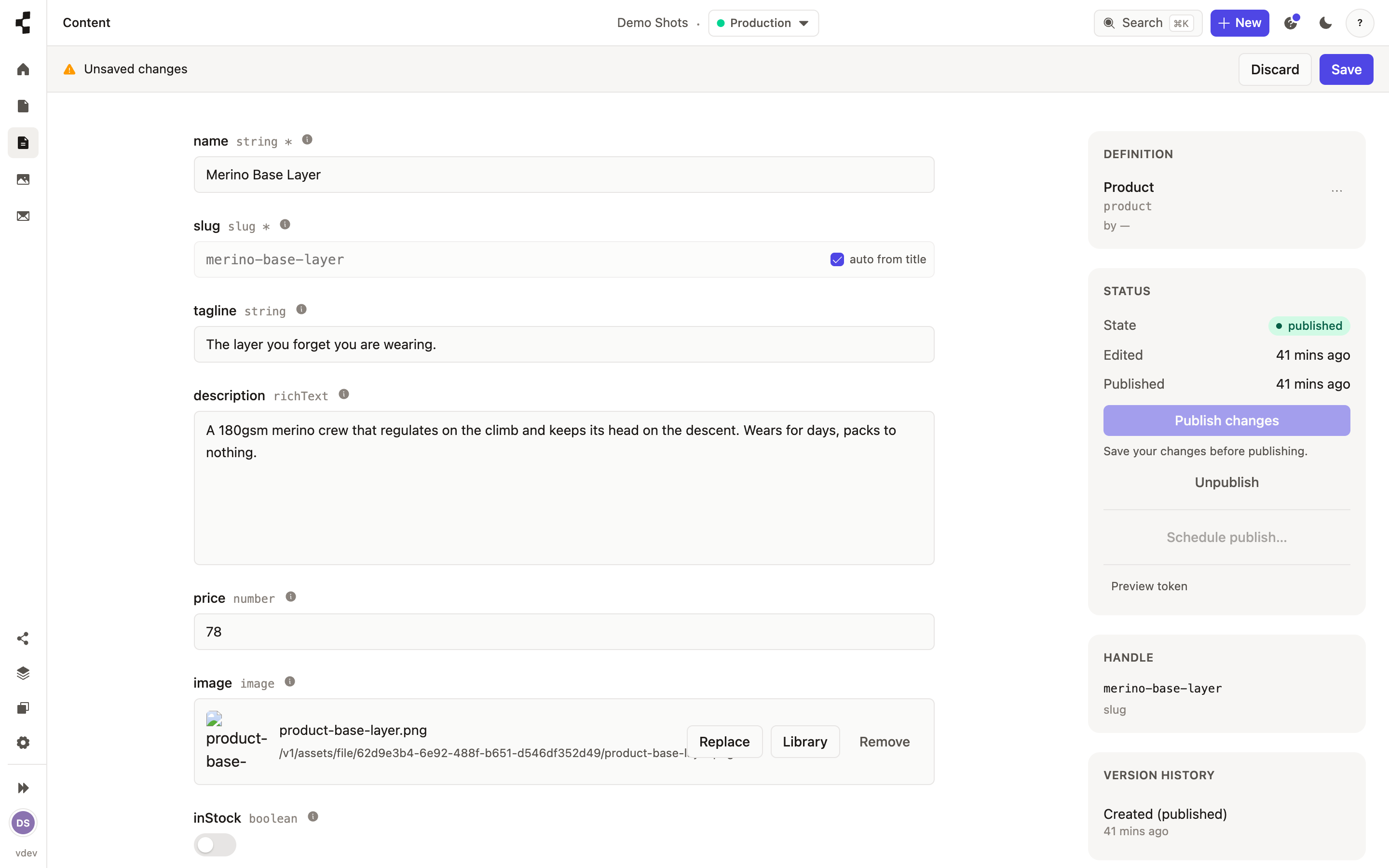
Press Publish. Your work goes to Staging, ready to review before going live.
Open the page or entry and press Publish in the right-hand rail. If you have unsaved edits, save them first — Publish waits for you rather than publishing an older version.
Publishing puts your content on Staging, where you can check it looks right. Nothing reaches the live site until someone promotes it — see How do I put my site live?.
Want it to go out at a set time instead? See Scheduling a publish. Changed your mind after publishing? Press Unpublish to take it back down, or restore an earlier version.