
← All help articles
Deployments & promotion
How do I put my site live?
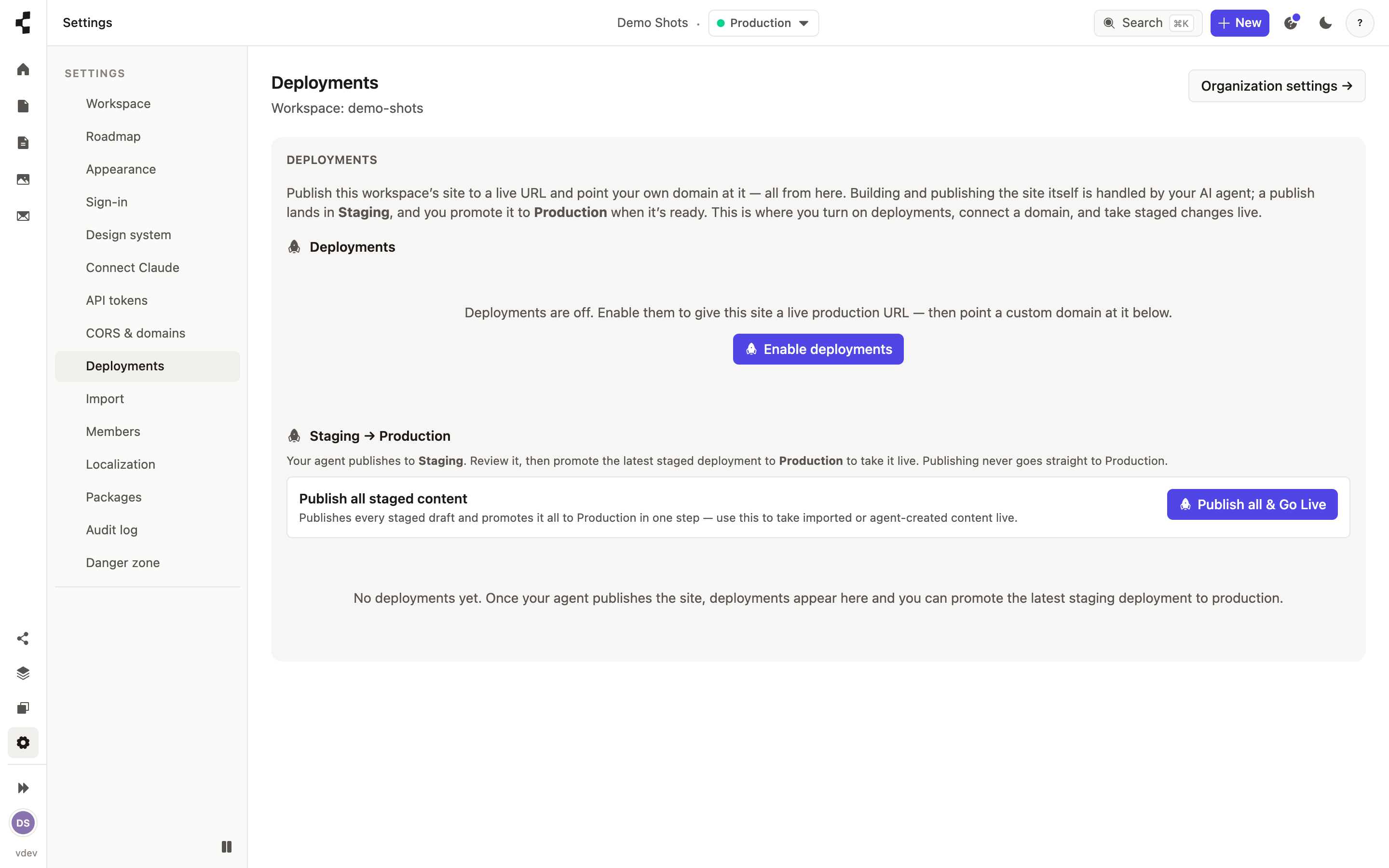
Review it on Staging, then press Promote to production.
Publishing puts content on Staging. Going live is a separate, deliberate step: open Deployments, find the staged deployment you have reviewed, and press Promote to production.
This is on purpose. Nothing — not you in a hurry, and not the AI agent — can publish straight to the live site; production is only ever reached by promoting something that was checked on staging first. You can even do it from your phone: Review & promote from your phone.
If a promotion turns out badly, you can go straight back: How do I roll back a deployment?.