
← All help articles
Design systems
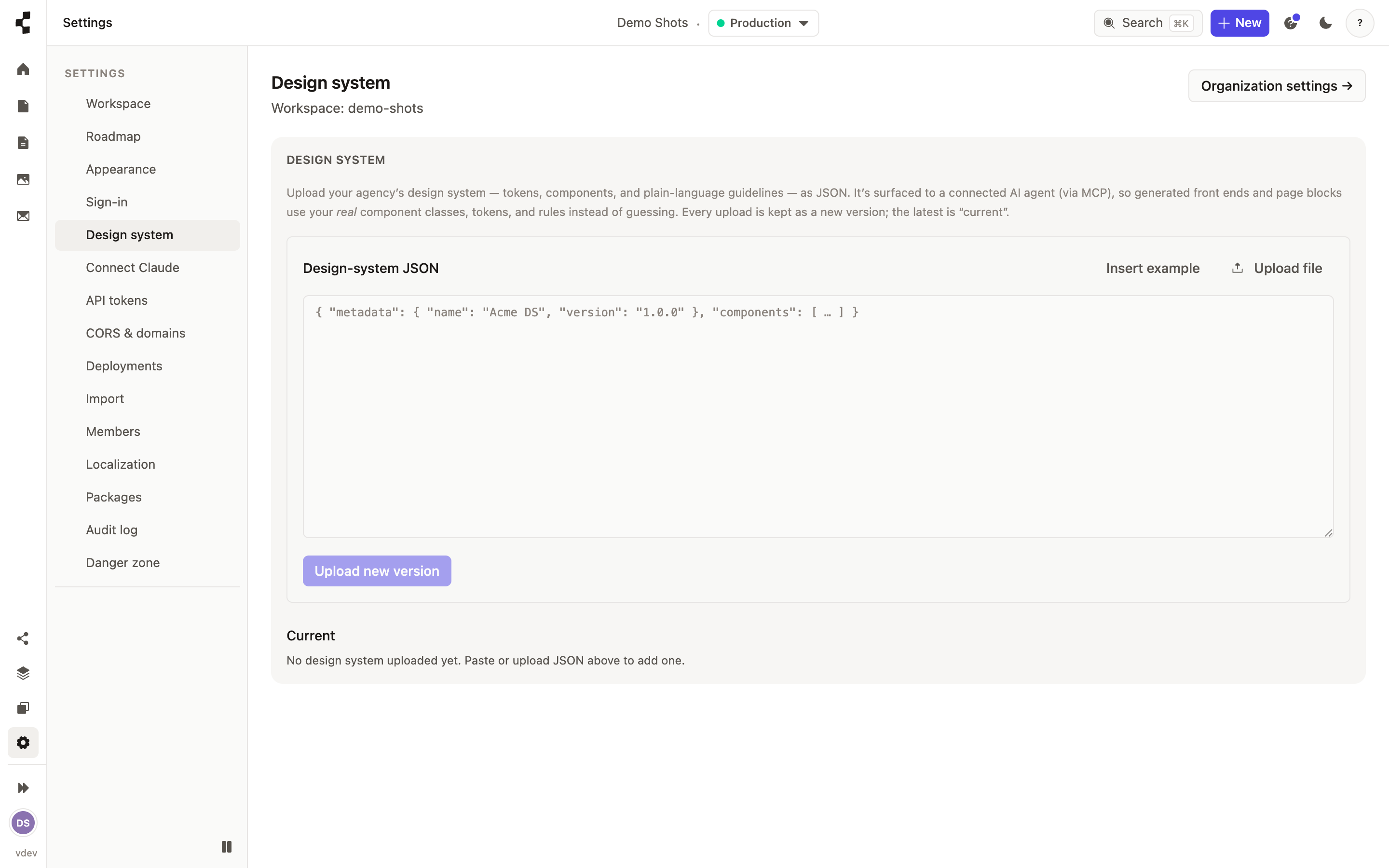
How do I upload my design system?
Give the AI your real colours, fonts and components so it stops guessing.
A design system is a small file describing your brand: colours, type, spacing, the components you build with, and plain-language rules like "never use the accent colour for body text". Upload it in Settings → Design system.
Once it is there, the AI agent uses your real components and tokens when it builds or changes a site, instead of inventing markup. Anything invalid is reported line by line when you upload, so you can fix it and try again. See also How do I connect Claude to my workspace?.