
← All help articles
Creating & editing content
Scheduling a publish
Set a date and time and the content goes live on its own.
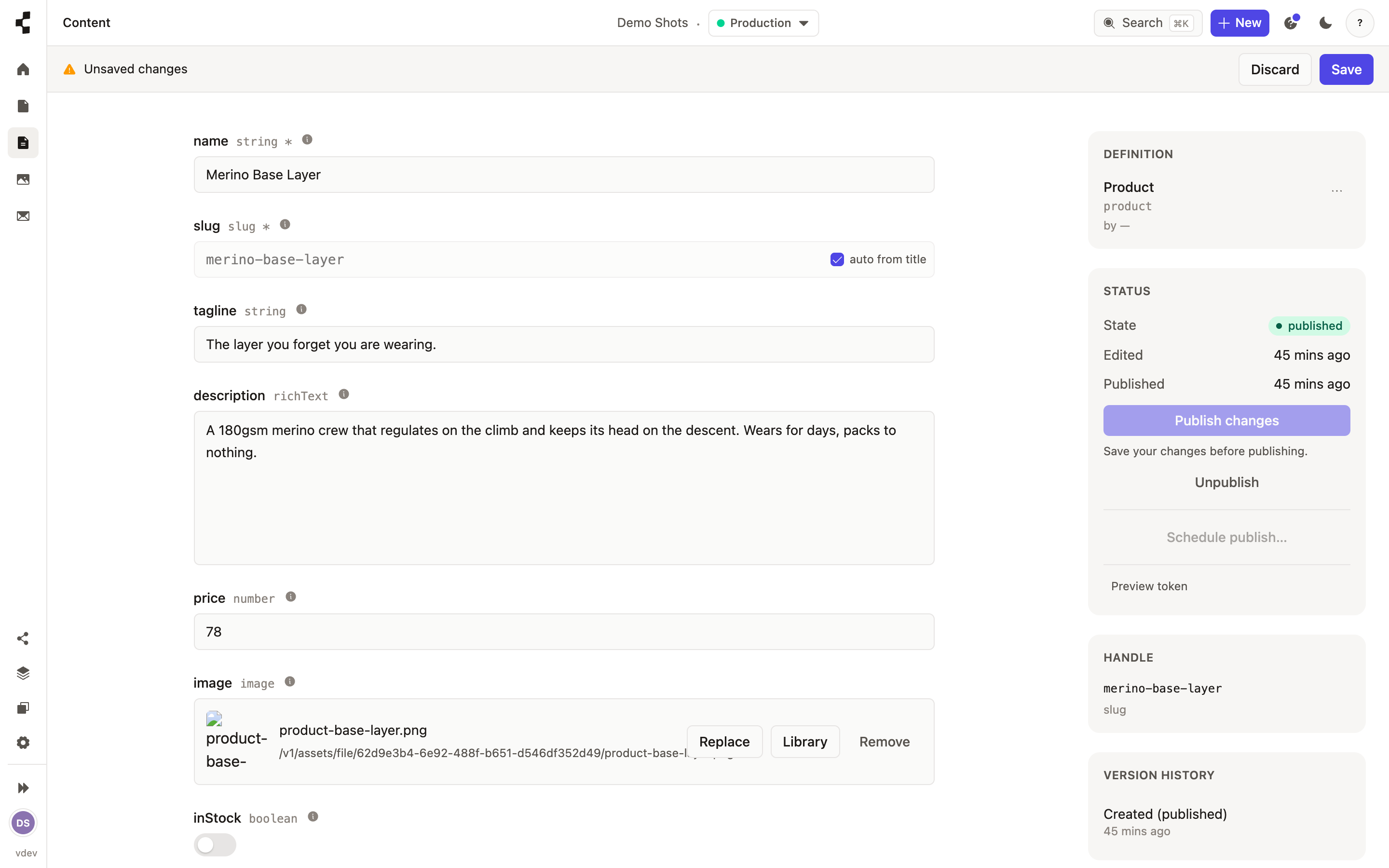
Instead of publishing right now, you can schedule it. In the publishing rail choose Schedule, pick a date and time, and confirm. The content stays a draft until then and goes out automatically when the moment arrives — no need to be at your desk.
You can change or cancel a scheduled publish any time before it runs. As with publishing normally, a scheduled publish lands on Staging first — going fully live is still a separate promotion.