
← All help articles
Getting started
What is a workspace?
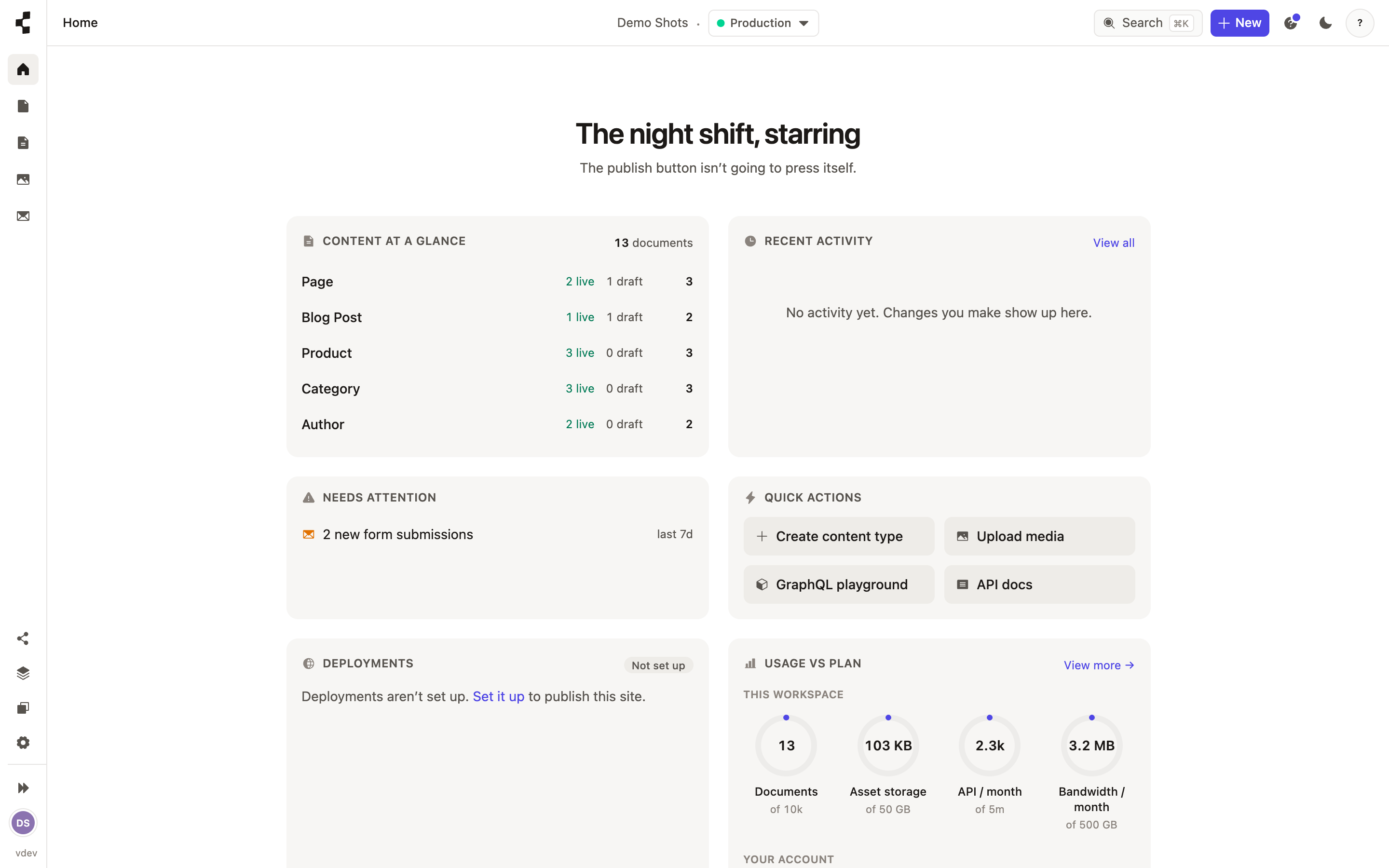
One workspace = one client site. Everything you edit belongs to exactly one.
A workspace holds one site: its content, its images, its structure, its deployments. An agency usually runs one workspace per client, and people invited to a client workspace only ever see that one — never your other clients.
Switch between the workspaces you can see using the workspace name at the top of the sidebar. Inside a workspace there are two environments: Staging (where your work lands when you publish) and Production (the live site). See How do I put my site live?.