
← All help articles
Creating & editing content
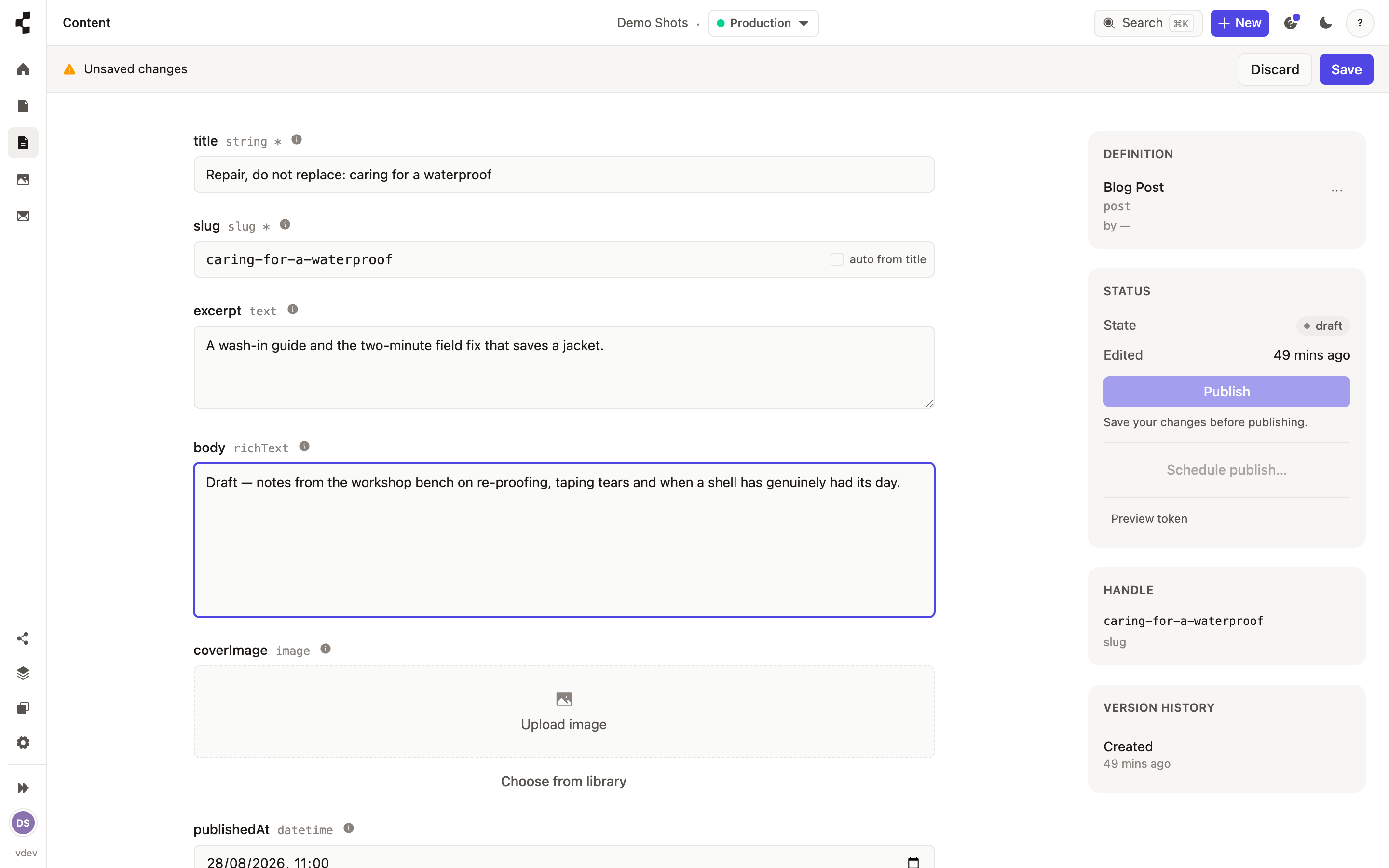
Writing with the rich-text editor
Headings, lists, links, images and live values — all from one editor.
Any rich-text field is a full, block-based editor — a bit like Notion. Just start typing for a paragraph, or press "/" to open a menu of blocks: headings, bullet and numbered lists, quotes, images, dividers and more.
Select some text to get a small toolbar for bold, italic and links.
Drag the handle beside a block to reorder it.
Insert an image inline, or embed a reference to another entry.
Drop in a token — a live value like a phone number pulled from your site settings — so changing it in one place updates it everywhere.
Everything is saved as structured content, not raw HTML, so your front end can display it however it likes. When it is ready, publish it.